Python Basics

December 23rd, 2009 -- 1 Comment

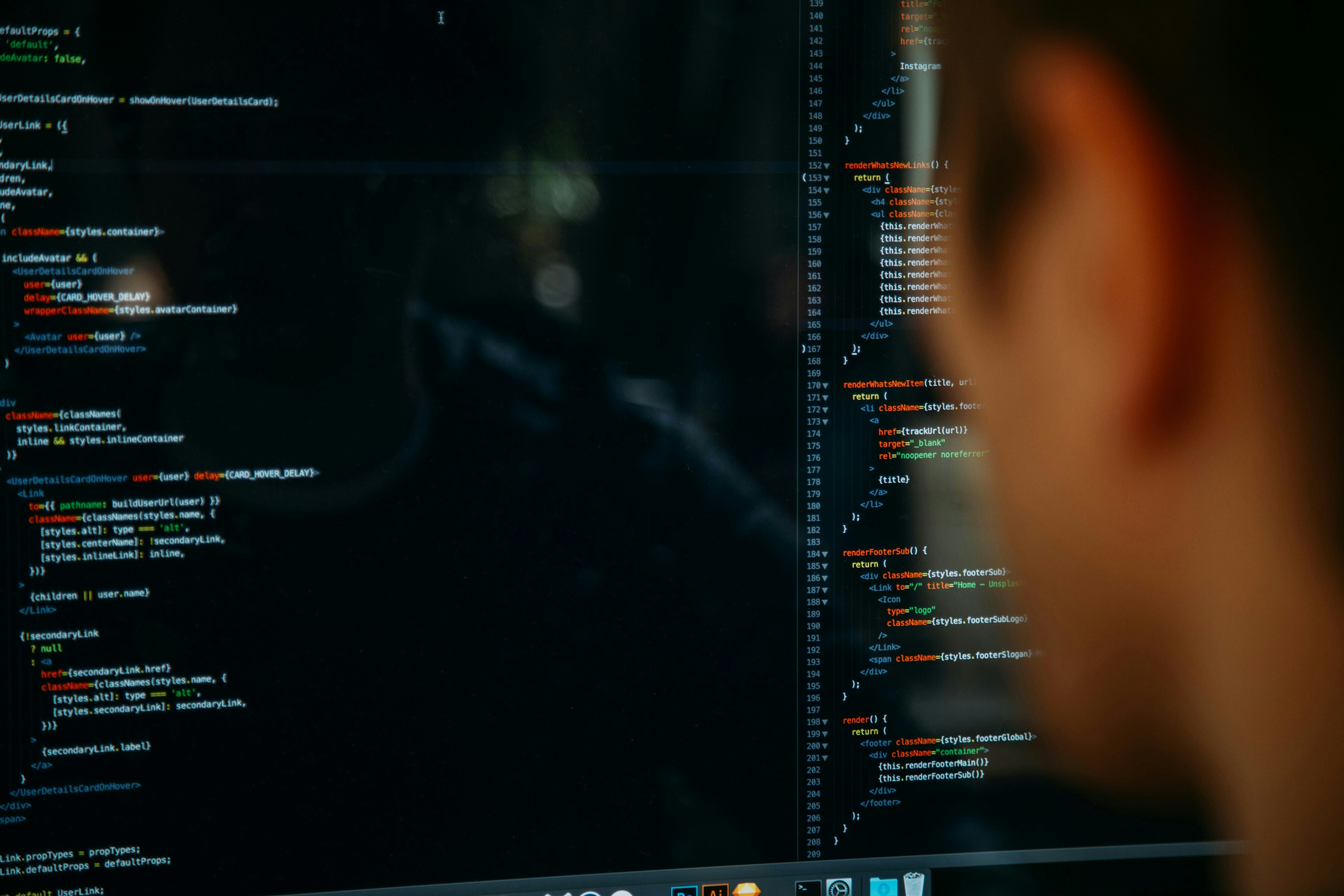
If you have been reading previous blog posts, I have been using a monitoring tool called Zenoss. Under the hood there is a lot of Python stuff. So I decided to start learning Python. Python can run on Mac, Linux, Unix, and Windows. Let me show you some basic on what you can do in python.

#!/usr/bin/python
 
firstName = "John"
lastName = "Costanzo"
 
# Lets just print out one variable
print firstName
 
# Now lets complete my name
print firstName, lastName
 
# Lets just print something random without a variable
print "The sun is warm. The grass is green"
 
# Now I will print some variables followed by some text
print firstName, lastName, "Is the owner of this blog."

For more information on Python you can visit this site.

Installing SNMP Ubuntu

November 25th, 2009 -- No Comments

If you are setting up a server that you might want to monitor, you will want to install setup SNMP. In this tutorial we will set it up in Ubuntu 9.10.

Categories: Linux / BSD, Servers, Zenoss

Zenoss MySQL Database

November 18th, 2009 -- No Comments

One of the things I never understood after installing Zenoss, was where is this mysql database. I found out that with Zenoss it sets up it’s own MySQL server and it is even smart to put it on a different port.
So lets say you want to access this database and see what it looks like. This can be done by doing the following:

SSH into the server that zenoss is on and

su zenoss
mysql -u zenoss -p

Just enter the password for your zenoss database and then you can have access to the MySQL server. Hope this helps out someone.

Categories: Linux / BSD, Servers, Zenoss

Zenoss Local Templates

November 13th, 2009 -- No Comments

One of the coolest things I learned today was about creating local templates for specific devices. So lets say you have 5 Linux boxes and and only 2 are running apache. I do not need to graph apache stuff on my 3 other boxes. So I go into the device that I want to have its own version of the template and click on the down arrow and go to more. Then click on templates. You will now see all the templates that are bound to the device class. The one that you want to change to the specific device click on Create local copy.

Now you can edit that template and it will only make changes for that device. I am telling you that Zenoss is just a great piece of software.