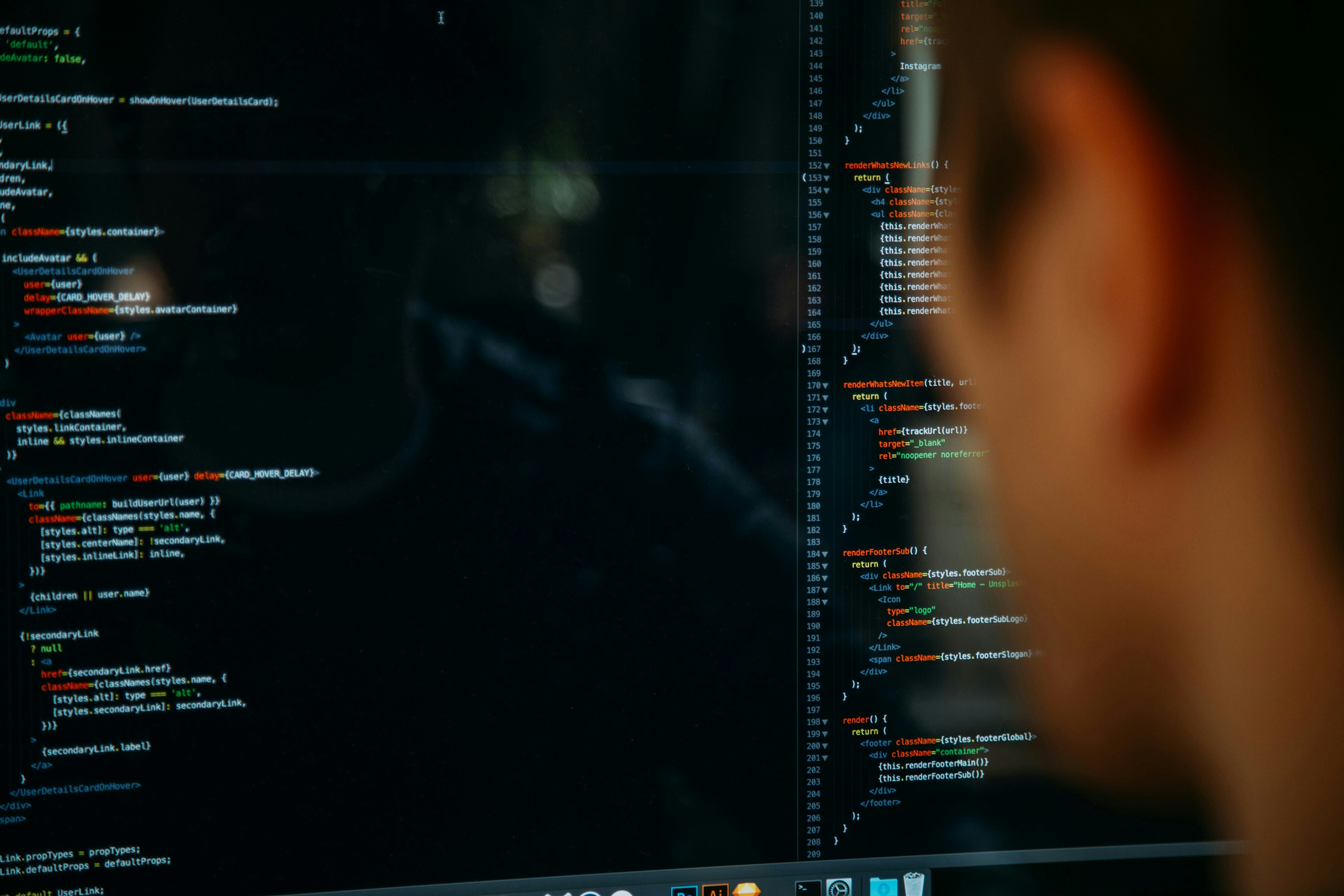
If you have been reading previous blog posts, I have been using a monitoring tool called Zenoss. Under the hood there is a lot of Python stuff. So I decided to start learning Python. Python can run on Mac, Linux, Unix, and Windows. Let me show you some basic on what you can do in python.
#!/usr/bin/python
firstName = "John"
lastName = "Costanzo"# Lets just print out one variableprint firstName
# Now lets complete my nameprint firstName, lastName
# Lets just print something random without a variableprint"The sun is warm. The grass is green"# Now I will print some variables followed by some textprint firstName, lastName, "Is the owner of this blog."
For more information on Python you can visit this site.
One of the things I have never been strong in is layout design. If you look at most of the sites I have done, there blah. Colors are limited and there is just no iCandy to the site. So my question is, is this fixable? Is there something out there that I can learn to help me develop more iCandy websites? If so could you please share?
When I first started working with Linux one of the tools I disregarded was VIM. I felt it to be too confusing and believed it was not worth it at all. I was so use too notepad, nano, pico, etc… Then a programmer finally convinced me one day to make a switch. I am so glad I did.
So the first thing you have to get use to is that there are two modes to be in. One is command mode and the other is in insert mode. When in command mode you can save or do other things like find and replace. In insert mode you do like you normally do. You type away. I know it sounds confusing now but wait and I will show you what I mean.
VIM can be found in Mac, Linux, Unix, and or Windows. To start a file you bring up your terminal or if in Windows you open the application in your start menu. In the terminal you will type
vim whateverfilename
In the Windows work you go to file -> new I believe. Sorry not much in the Windows side of things.
Command Mode
Ok so lets get into some of the things you can do in command mode. So lets say you have to edit a document for work and you have to change the word Bob with the word John. hit ESC to make sure you are in command mode and hit the following:
:% s/Bob/John/g
The g at the end will make sure it goes thru the whole document. To search for some text is not that hard to do. So lets say we want to find all instance of the word happy. You will do the following:
/happy
When you find the first result you can hit n on your keyboard to go to the next instance that it finds the work happy. If there is none it will tell you that there is none. Now I am sure you are asking how do I search for multiple words? Well let me show you how to search for Happy Birthday
/Happy Birthday
As you can see you I did the same thing as above. VIM knew that you were looking for multiple words. Before you ask if there is a term in the document called Birthday of Happy, it will not bring that up as a result. The next thing I want to show you is if you need to get to line 10000 in a file all you have to do is the following:
:10000
Yep that is it. To wrap up this first tutorial on VIM I will show you how to quit without saving, saving but not exiting, and saving and exit. Here they are in order.
:q!
The q stands for quit. If you forget the ! you would be prompted about saving before quiting
:w
The w tells VIM that you want to save the changes
:wq
As you see we combined the w and the q to save the changes then quit. Now before you ask, if you would do :qw that would fail. Cause vim reads the commands from left to right. Well I think that is enough for now. If you have any questions about vim please post a comment.
Below is a video on what I basically explained above.